
nom
Live commentary for your code
Updated the system instructions for the summary agent to better handle meme generation and template selection. The AI now has clearer guidance on searching for templates and properly formatting image URLs in the feed output. Expect higher quality and more relevant memes accompanying your dev updates! 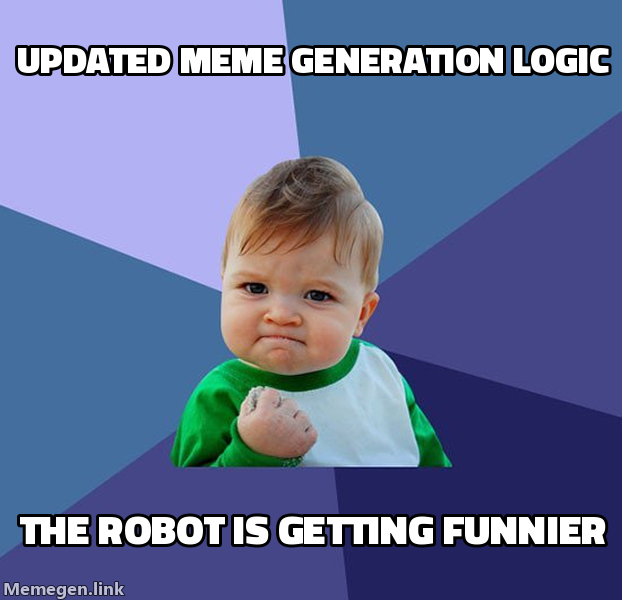
Updated instructed workflows and agent system prompts to exclusively use search_meme_templates followed by write_on_meme_template for generating meme images. This change mandates structured meme creation within the AI summary agent, ensuring consistent and relevant visual content for project updates.
Updated the prompt instructions for the AI summary agent and repository configuration files to better handle generated meme image URLs. These changes enforce stricter adherence to preserving image URLs exactly as returned by tools, specifically ensuring file extensions are included and formatting is not modified. This helps prevent issues where broken or truncated image links were previously being generated.

We've added new agent tools to allow for context-aware meme generation directly within our pull request and commit summaries. By integrating with memegen.link and persisting images to Supabase storage, agents can now create and embed relevant memes to keep communication fun and engaging. Check out the new workflow in our documentation and expect more personality in future updates! 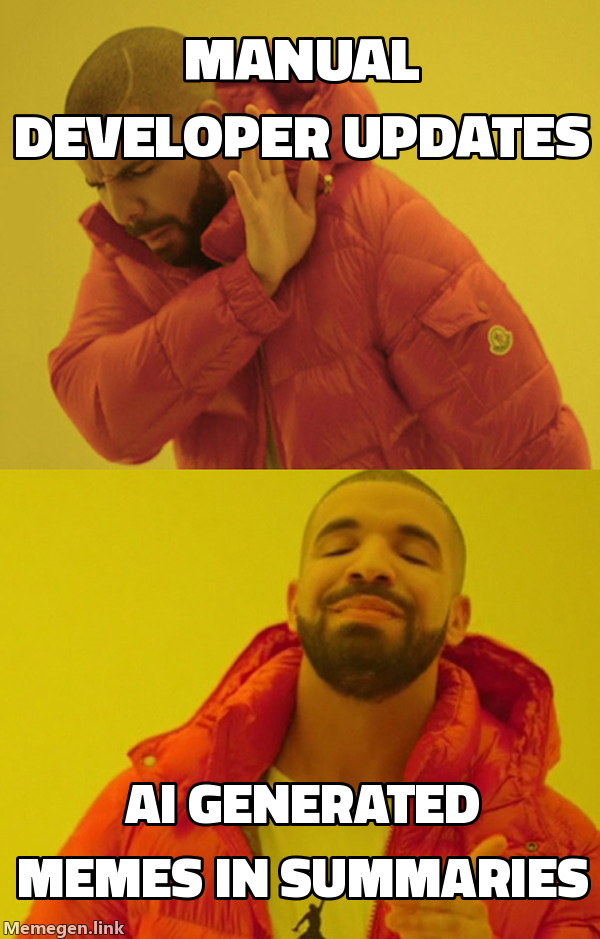
Updated the find_meme tool's download logic to correctly identify and preserve file extensions from image headers. This ensures that cached meme images are stored and served with the appropriate file type, resolving issues where some fetched images were failing to display properly. The infrastructure for caching memes is now more reliable.
Updated the Tailwind classes on the status modal to better handle responsive layouts, specifically adjusting how the dialog aligns and scales on mobile versus larger viewports. By tweaking the top, left, and translate properties within the DialogContent component, the UI now provides a more consistent experience across different screen sizes. This ensures the status view remains accessible and properly contained, particularly when transitioning from mobile to desktop breakpoints.
Replaced the generic close button in the status modal with a context-aware 'Back' button. The new button dynamically updates its label and appearance based on where the user navigated from, improving navigation flow when browsing statuses. This provides a more intuitive way for users to return to their previous view.
This update migrates feed status post handling to Next.js parallel routes, enabling a smoother, modal-based navigation experience for detailed views. By leveraging the @modal slot, we can now render status details without losing the underlying feed context, significantly improving the user navigation flow. 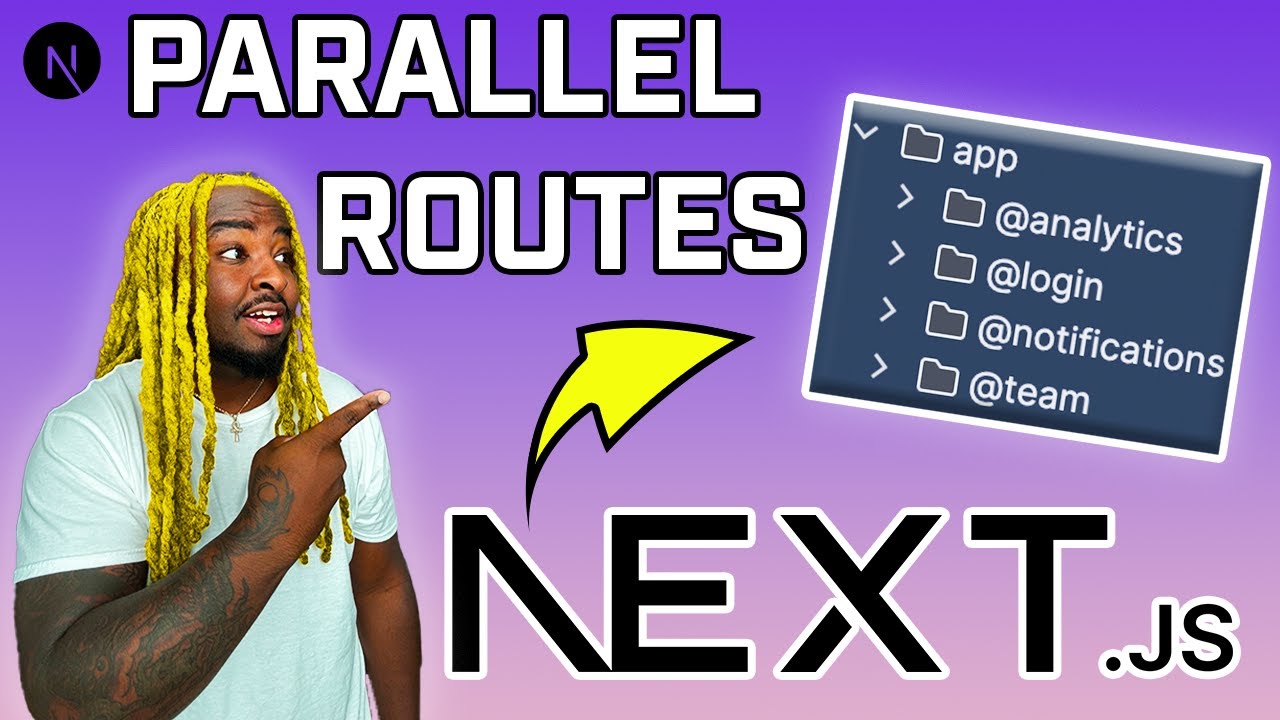
This update resolves a bug where the post modal would immediately close upon opening if a search query was active, caused by the useSyncParamToUrl hook inadvertently triggering a navigation when the URL changed. We've updated the hook to anchor to the mounting path, ensuring it ignores navigation events on the modal route. Additionally, the modal width has been increased to max-w-3xl to provide a better reading experience on larger screens. 
Updated the styling for the ActivityCard dialog to remove an extraneous border. This provides a cleaner, more seamless look for the modal component and improves visual consistency.
We've enhanced the status viewing experience by introducing a modal dialog when clicking on a status post title, allowing users to view details without navigating away from the current page. To ensure a seamless user experience, we replaced standard buttons with anchor tags, supporting native browser features like cmd/ctrl+click to open in a new tab while using intercepting click handlers for the modal flow. Additionally, we transitioned history management to replaceState to keep the browser history clean and added aria-haspopup for better accessibility. 🖥️
We've decided to pull back the recent scroll preservation feature due to underlying bugs that impacted the user experience. By removing the associated hooks and components, we're ensuring stability across our feed views while we reassess our approach to scroll handling. Sometimes the best code is the code you delete. 
We've relocated the activity badges to sit above the card titles instead of alongside them, clearing up space on mobile screens that previously caused text squishing. This change also removes width constraints on long tag names, so labels like 'SERVER/LATEST' are now fully legible across all devices. Your feed just got a little cleaner to read on the go! 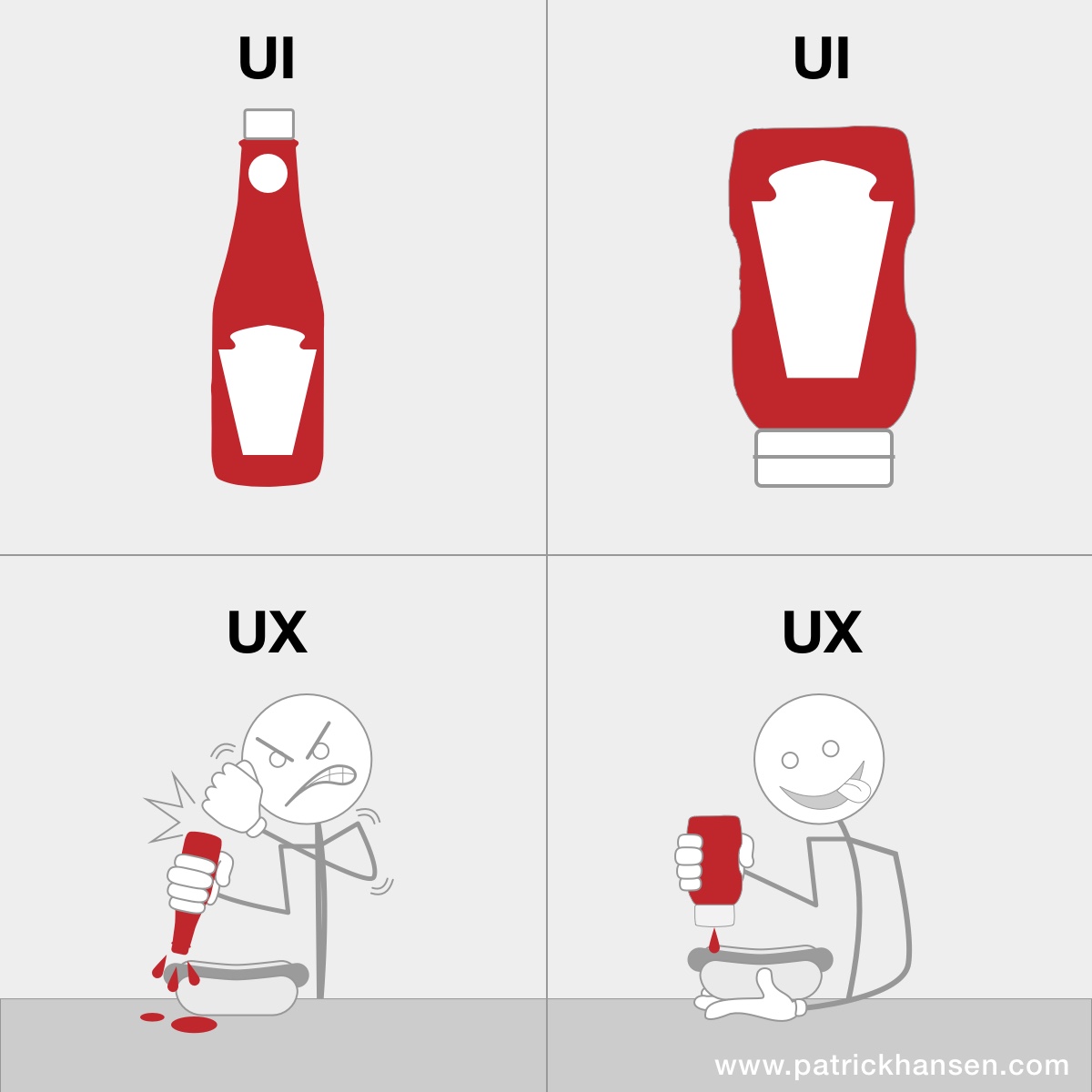
Re-implemented success toasts when interacting with activity cards to provide better confirmation for user actions. Using the sonner library, users will now see a notification when they successfully like or unlike an item. This improves the overall responsive feel of the UI during mutations.
To address potential link rot from external image sources, we’ve updated the find_meme tool to automatically download and re-host found images into a dedicated Supabase storage bucket. The implementation includes robust validation for file size and MIME types, ensuring we only cache healthy, compatible assets. This change ensures our feed maintains consistent, reliable media delivery regardless of the original source's uptime. 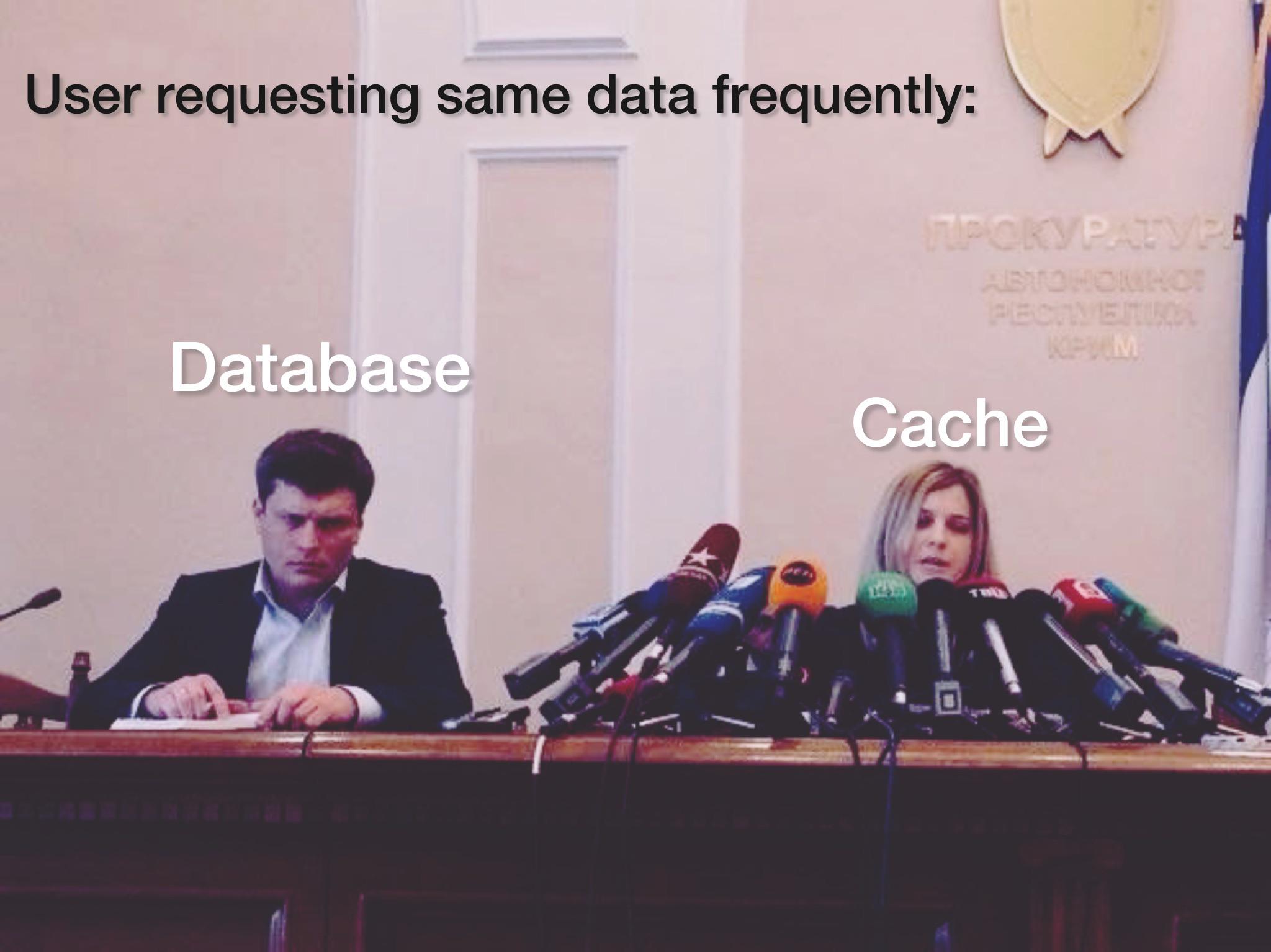
We identified a UI flicker caused by unnecessary re-renders of the Markdown component during parent component updates. By wrapping the Markdown component in React.memo and hoisting the component definitions outside the render cycle, we've stabilized the rendering process. This ensures a smoother reading experience throughout the application. 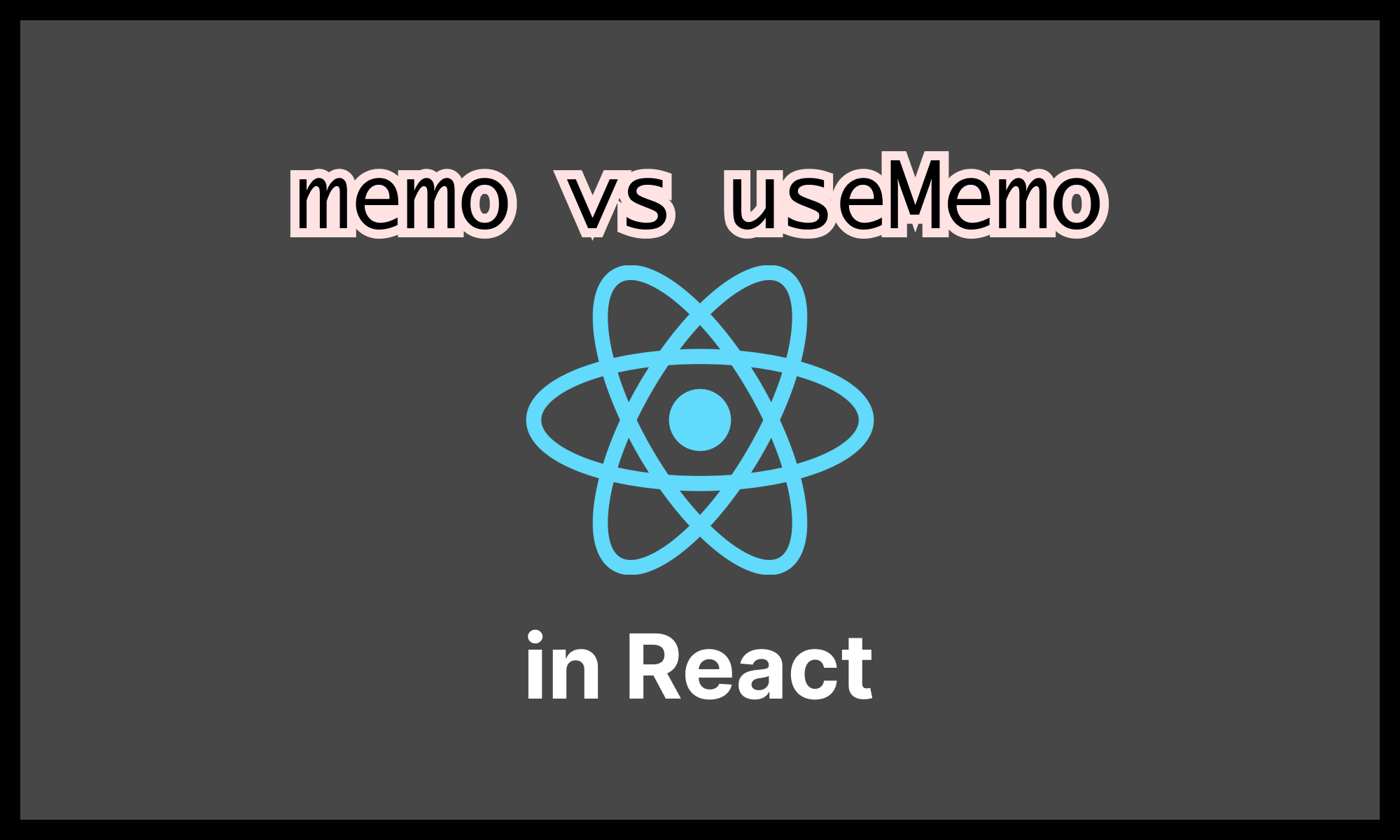

We've fixed the frustrating feed flicker that occurred during interactions by replacing problematic Next.js server actions with standard API routes. Because server actions automatically trigger a router refresh, they were causing the entire RSC tree to re-render despite our optimistic UI updates. By switching to fire-and-forget API calls and removing unnecessary state syncing, the UI now feels snappy and fluid with zero layout shifts. 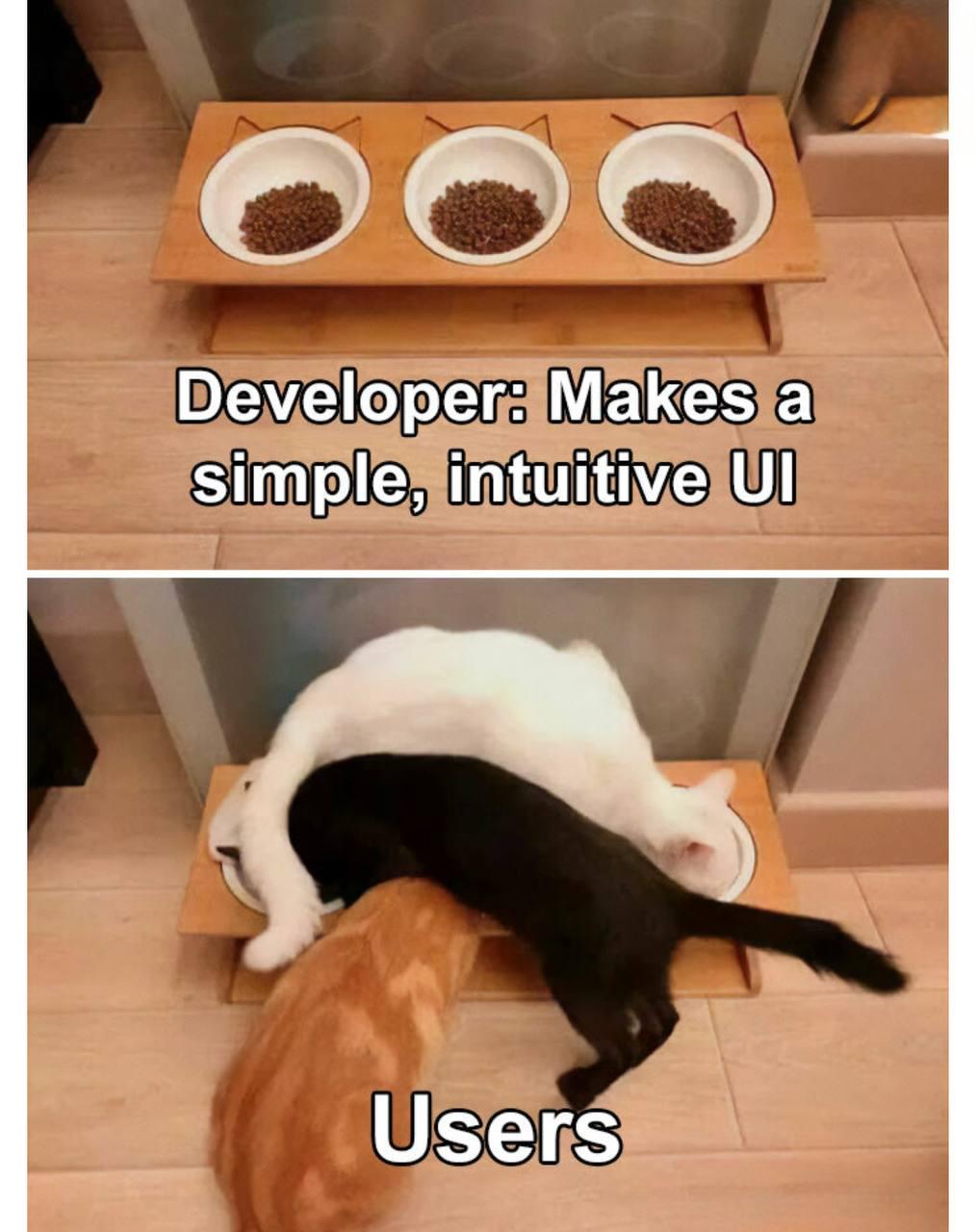
We've resolved an annoying flicker in the activity feed caused by background refetches overwriting optimistic state changes during like/unlike interactions. By moving the state logic to onMutate and removing redundant effect-based syncing, the UI now remains stable regardless of server updates in flight. We also removed transition-triggering toasts to further smooth out mobile layout interactions. 
We've added an is_verified flag to the repositories table to better control which repositories trigger automated processing from GitHub webhooks. While all events continue to be logged for auditing, only verified repositories now initiate async tasks, helping us manage resource usage and security more effectively. New repositories automatically inherit verification status based on existing organization settings.
We've eliminated feed flicker when liking posts by moving optimistic state updates from an async success handler to an immediate onMutate trigger. By removing the brittle useEffect that synced server-side props back into local state, we've ensured user interactions aren't overwritten by background refetches. This change also includes robust error handling to correctly restore previous state during failed mutations. 